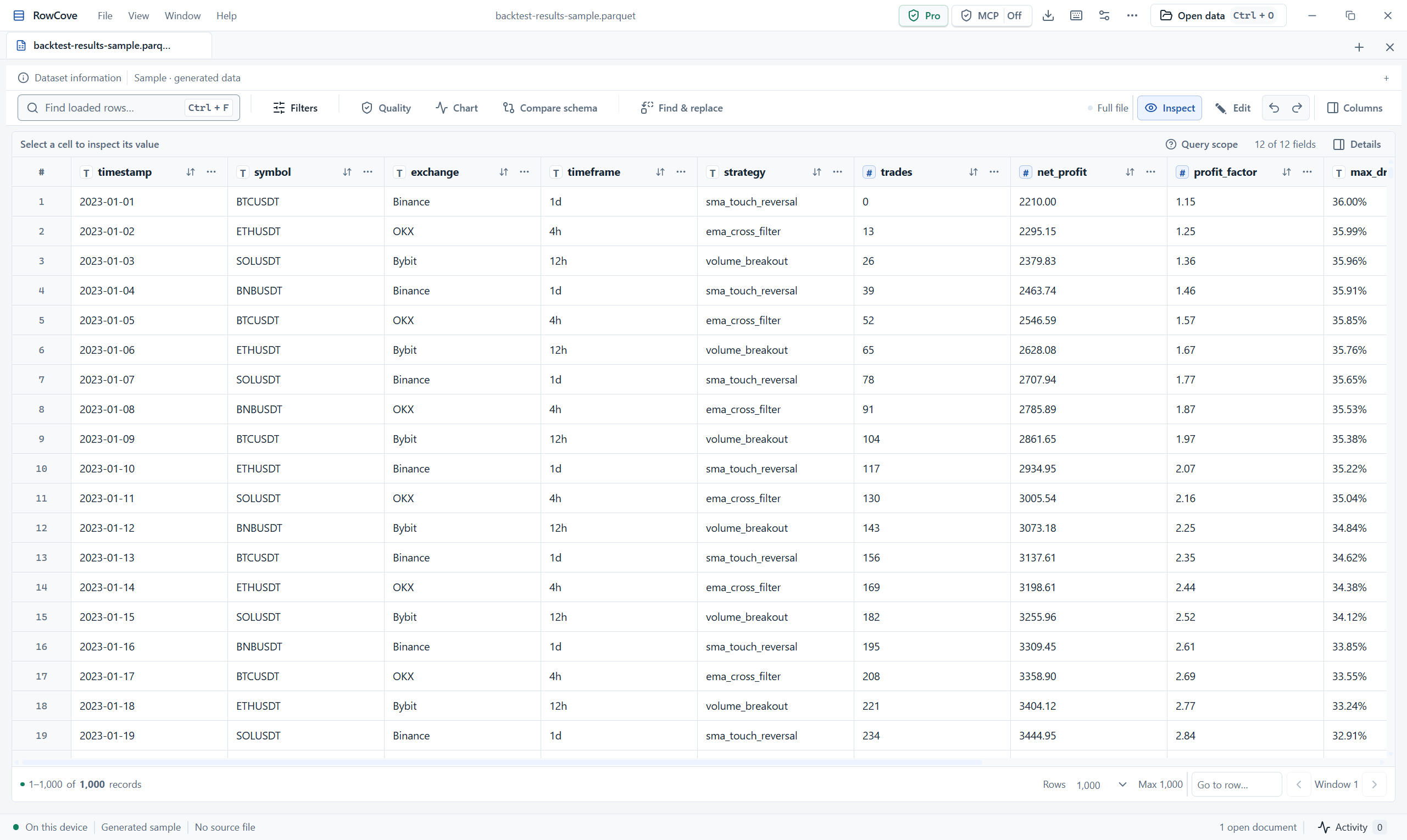
See the exact value.
Review encoding and delimiter, inspect field types and open full cell values in the inspector. A clipped table cell should not be the limit of your investigation.
Large CSV walkthroughGB-scale files & large local datasets
A high-performance desktop viewer and editor for large CSV, JSONL and columnar data. Begin with source information and bounded records, then use the supported query and edit workflow.
Free first-page Preview · Pro workflows coming soon · Windows · signed in-app updates
Review encoding and delimiter, inspect field types and open full cell values in the inspector. A clipped table cell should not be the limit of your investigation.
Large CSV walkthroughFind loaded rows searches the current loaded records. Full-file filtering and sorting are separate Pro operations on supported readers; keep the result scope visible.
Understand scan and query costsStage supported edits, review them and export to a new destination. Preserve the original file, allow enough disk space and verify the output before reuse.
Editing and export instructionsA CSV stream, compressed archive and partitioned Parquet folder have different access patterns. Choose a source through the native file or folder picker; RowCove detects the supported reader.
Plan work beyond a single filePreview opens up to 100 records read-only. Pro adds supported full-file operations, editing/export and local MCP. Public Pro checkout is still being prepared; the Windows Preview can be downloaded today.
Compare Preview and ProThe actual Windows desktop
A compact workspace for records, field types, query scope and source context. The capture below uses generated sample data.